The workflow
How CardRevive AI Grading Works
From upload to estimate
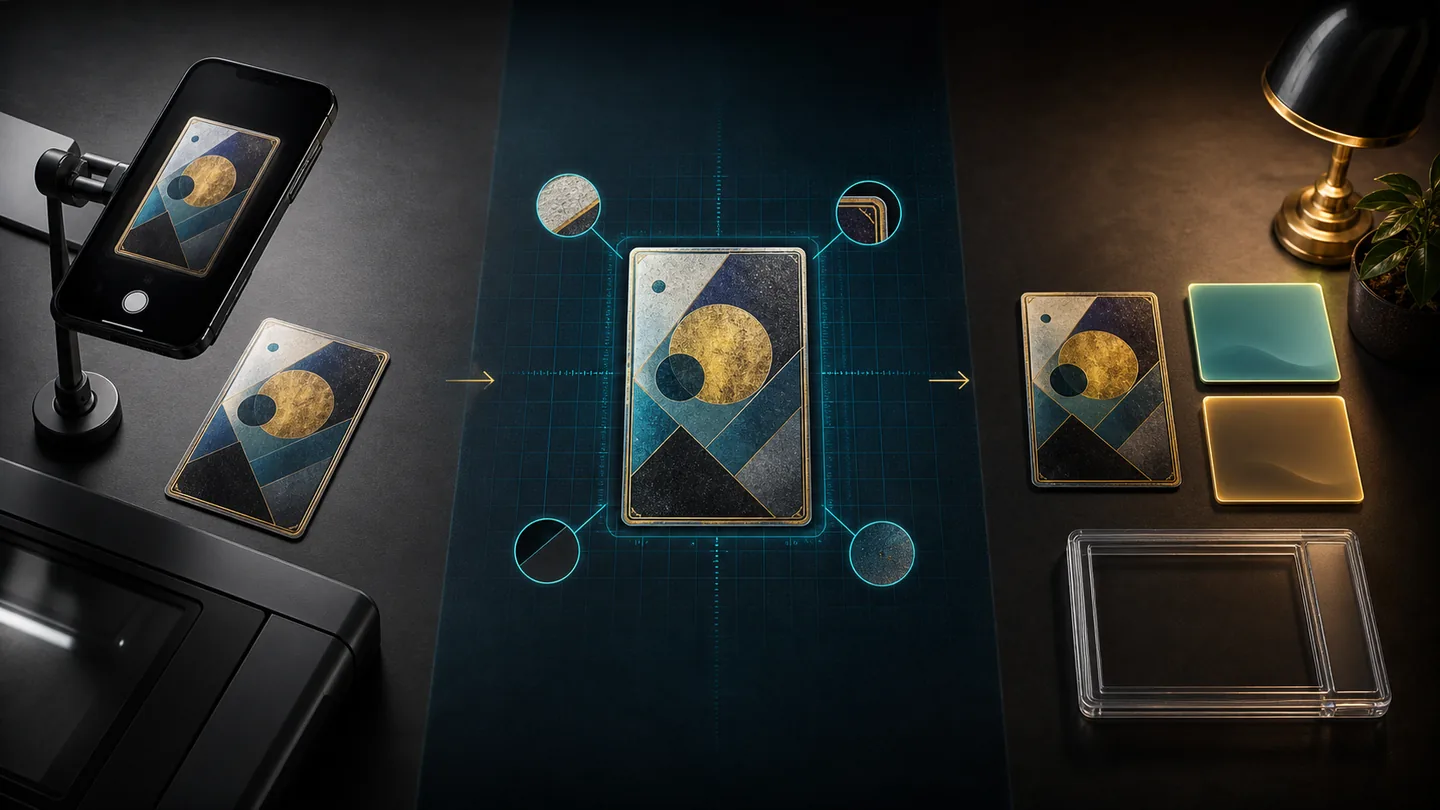
Upload the evidence
Choose a front image, a back image, or both. The service technically requires at least one image; both sides give the analysis more visible evidence.
Review the crop and rotation
The browser attempts to find and straighten the card. You can adjust the crop and rotation before confirming what will be graded.
Validate and process
The server checks the file signature and size, then prepares full-card and diagnostic views used to examine visible condition.
Analyse four condition areas
Focused analysis separates centering geometry from visible corner, edge, and surface observations. Unsupported evidence remains unavailable instead of being presented as measured fact.
Deterministic visible-evidence example
Corner, edge and surface observations stay separate
Select a numbered marker to connect one synthetic visible cue to its own cautious observation.
Visual-only evidence · marker 1
Corner
Synthetic whitening marker on the lower-right corner.
- Measured
- Reserved for repeatable geometry that can support a ratio.
- Visual only
- Corner, edge and surface cues are described without invented dimensions.
- Unavailable
- Anything outside this synthetic front view is not assessed.
These are synthetic visible markers, not authentication or an in-hand inspection. Illustrative pre-grading estimate; not an official grade.
Assemble the report
The service returns findings, company-style estimate ranges, likely outcomes, confidence notes, and recommendations. One completed assessment normally uses one grading credit.
Keep, delete, or share
The report and stored image renditions appear in your private library. You can delete a card or explicitly enable a public report, then revoke that public access later.
Before you spend a credit
Check image quality
Plastic, glare, shadows, clipped edges, blur, and aggressive filters can hide or imitate defects.
Check card coverage
Standard rectangular cards are the clearest use case. Unusual shapes, finishes, and sizes can reduce measurable evidence.
Privacy through the workflow
Uploaded card images are processed for grading, sent to OpenAI's API for the focused AI analysis described in the Privacy Policy, and stored as resized WebP renditions with the report in your account library. Reports are private by default because public sharing consent defaults to off.
CardRevive does not use identifiable uploaded card images to train a separate CardRevive model. The Terms permit use of anonymised, aggregated grading data—not personal information or identifiable card images—to improve the service. Read the full Privacy Policy before uploading a sensitive image.